
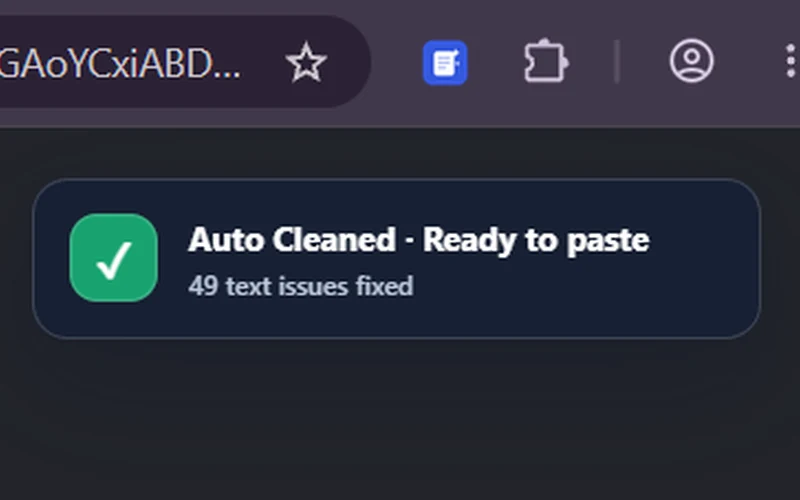
Automatic Copy Cleaning
Copy as usual. Clean Copy fixes hidden issues in the background so the cleaned result is ready when you paste.
Automatic cleanup, screen text capture and shortcuts — built into the browser where you already work.
Copy as usual. Clean Copy fixes hidden issues in the background so the cleaned result is ready when you paste.
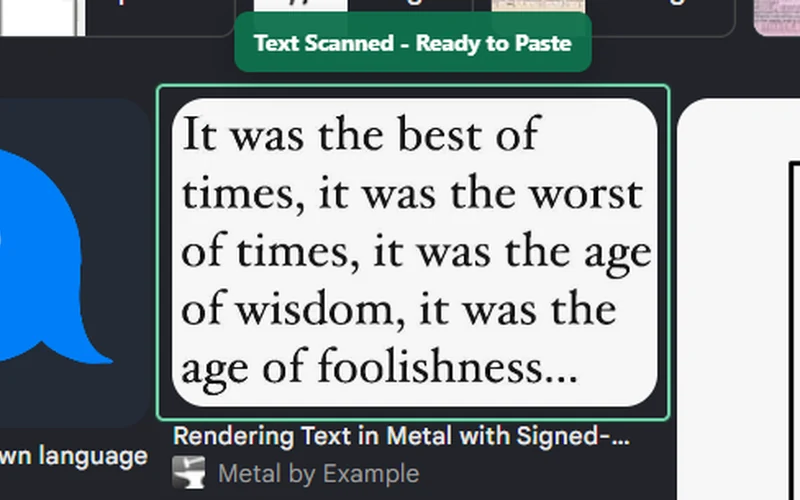
Drag over text in a video, image or any unselectable area. Clean Copy extracts it, cleans it and copies it based on your settings.
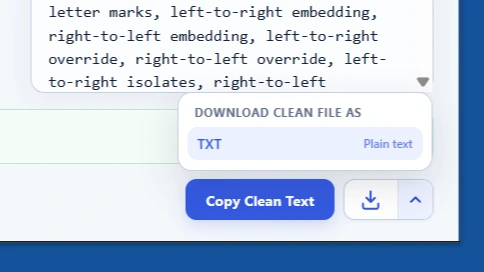
Save cleaned text straight as a TXT file, or download cleaned images without creating a new file and copying everything into it first.
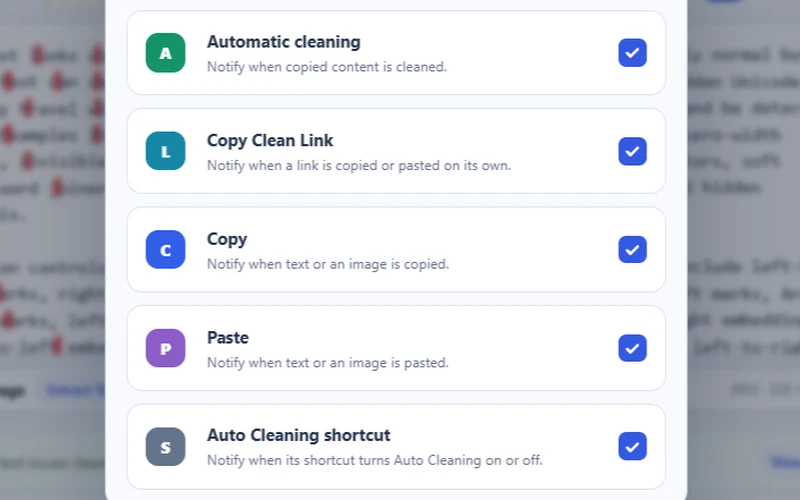
See when text is cleaned, copied or pasted, and know when Automatic Copy Cleaning is switched on or off.
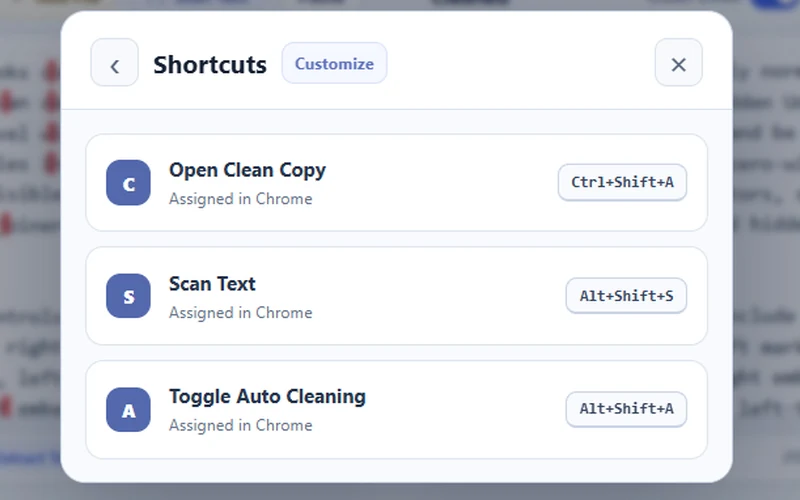
Open Clean Copy, start Scan Text or toggle Automatic Copy Cleaning with keyboard combinations you choose.
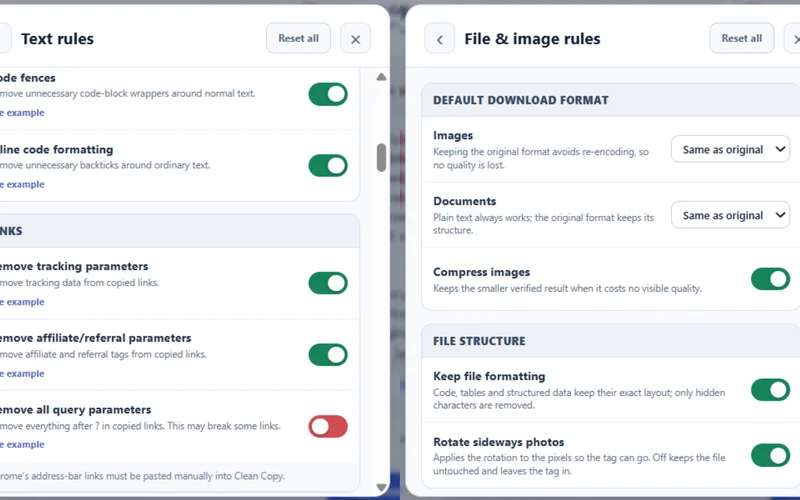
Choose exactly what gets removed, normalized, compressed or preserved. Clear examples show what every setting changes.
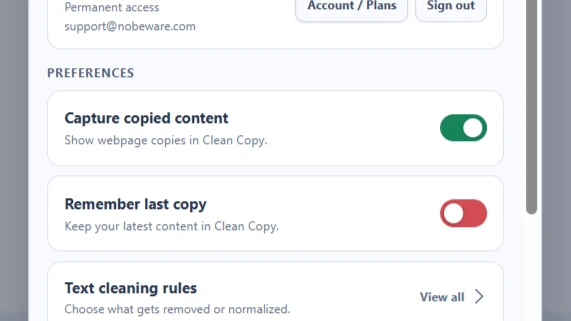
Show copied text inside the extension so you can edit it, review what changed and download the result when you want.
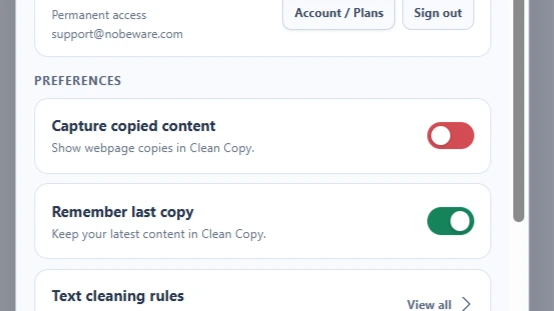
Keep your latest text available after closing the extension. The content stays stored only on your device.

When signed in, extension preferences can follow your account. Website and extension settings stay separate.
Hidden clutter, broken formatting, messy links, files, photo metadata, OCR and stronger text cleanup. Clean Copy brings it together in one tool.
Gives prose a stronger cleanup pass: joins wrapped lines, removes Markdown clutter and unlocks optional rules such as Auto Correct and Hard Remove.
Fixes clear English spelling, grammar, punctuation and typing mistakes while protecting names, links and code. Uncertain words stay unchanged.
Detects and removes zero-width characters, soft hyphens, stray controls, unusual separators and other invisible text that can quietly break copying, search or formatting.
Clears copied webpage styling, odd spacing, repeated gaps and messy line breaks while preserving code, tables and structured text when their exact layout matters.
Removes recognized tracking, affiliate and referral clutter from URLs while preserving the query data a link may still need to work.
Add supported PDFs, DOCX, RTF, HTML, CSV, JSON, Markdown and text files. Clean Copy uses local extraction first; optional AI Enhancement can assist with a difficult scanned PDF.
Removes hidden image data such as GPS location, camera and lens details, dates, author fields, comments, XMP and IPTC metadata — with category-level controls.
Extract readable text from screenshots, photos, scans and supported documents, with optional AI recognition and local OCR fallback, then send the result through the same cleaner.
Choose another supported download format or reduce compatible image and file sizes while Clean Copy also removes unwanted metadata.
No mystery results. See what Clean Copy found, and choose exactly how much it cleans.
If you can copy it — or see it in a picture — you can clean it before it goes anywhere.
Nothing to configure. Clean Copy works the moment your content arrives.
Paste from any source, drop in a document, or add an image and press Extract Text to read it.
Highlights show every fix as it happens. Open the full list, or set your own rules in Preferences.
Take clean, dependable text into the next app, document or message — or save the result as a file.
From everyday copy and paste to publishing and code, the same text problems show up everywhere.
Move text between apps without fixing weird spaces, formatting leftovers or broken lines by hand.
Clean notes, drafts, quotations and copied source text before reusing it in your work.
Prepare cleaner drafts for documents, email, publishing platforms and collaborative editing.
Catch hidden-character and copy-paste problems before content reaches a CMS or production workflow.
Inspect and normalize text before parsing, search, database imports, data entry or testing.
Remove unwanted invisible Unicode while preserving necessary language and emoji behavior.
The useful stuff people usually want to know before they trust a text-cleaning tool.
Local Clean Copy processing stays in your browser. If you are signed in and an AI Enhancement option is enabled, only the content needed for that selected AI operation is sent through Nobeware's server-side AI processing to OpenAI. If AI is off, unavailable or limited, Clean Copy uses local processing.
AI Enhancement can improve difficult image, screen or scanned file recognition. AI Text Review can correct high-confidence grammar, punctuation, capitalization and word-choice issues, and repair or add meaningful paragraph breaks after local cleaning without rewriting the document. It needs an internet connection, is configurable in Preferences, and is included subject to reasonable usage limits. The local cleaner remains available automatically when AI cannot be used.
It removes hidden Unicode, unusual spaces, broken line endings, copied formatting and recognized link tracking. It can also clean supported files, strip image metadata, extract text with OCR, convert or compress supported files, and use stronger optional cleanup through Max Clean.
Max Clean is the stronger optional text-cleaning mode for things such as wrapped lines, Markdown clutter and unusual character noise. Auto Correct is a separate Max Clean setting for clear English spelling, grammar, punctuation and typing mistakes. Both are configurable in Preferences.
Standard cleaning is designed to preserve what you wrote while removing technical clutter. Clean Copy also protects recognized code, tables, emoji and language-sensitive characters. Features that can make more visible changes — such as Max Clean, Auto Correct and Clean Links — are optional and configurable.
You can clean supported documents, remove image metadata, extract readable text from screenshots or photos with local OCR, and convert or compress compatible files. Available controls depend on the file type you add.
The extension adds browser-level tools such as Automatic Copy Cleaning, Capture copied content, Scan Text from an area of your screen, keyboard shortcuts and popup access while you browse. The website keeps the same core cleaner, file tools and settings without intercepting your system clipboard.
You can open the tool and see how cleaning works before paying. New accounts get a 7-day free trial with no credit card required. Active access is required for protected output actions such as copying cleaned results.
Go back to the tool, paste your text and see exactly what Clean Copy found.